Notion Computer is the biggest set of superpowers Notion AI has ever picked up — and it quietly changes what your workspace can actually produce. Under one broad umbrella, Notion AI can now build printable PDF reports, edit spreadsheets and presentations, crunch large datasets with real code, and even generate short videos. If you’re on the Business or Enterprise plan, it’s probably already tucked inside your workflows without a big feature flag announcing it. Here’s everything Notion Computer can do, what each capability means for your work, and how to get the most out of it.
What Is Notion Computer?
Notion Computer is a sandboxed environment that hands Notion AI its own virtual laptop — not access to yours.
The easiest way to picture it: Notion AI is like a coworker sitting across the room with their own machine. They can do almost anything a person could do on a laptop, then send you the result.
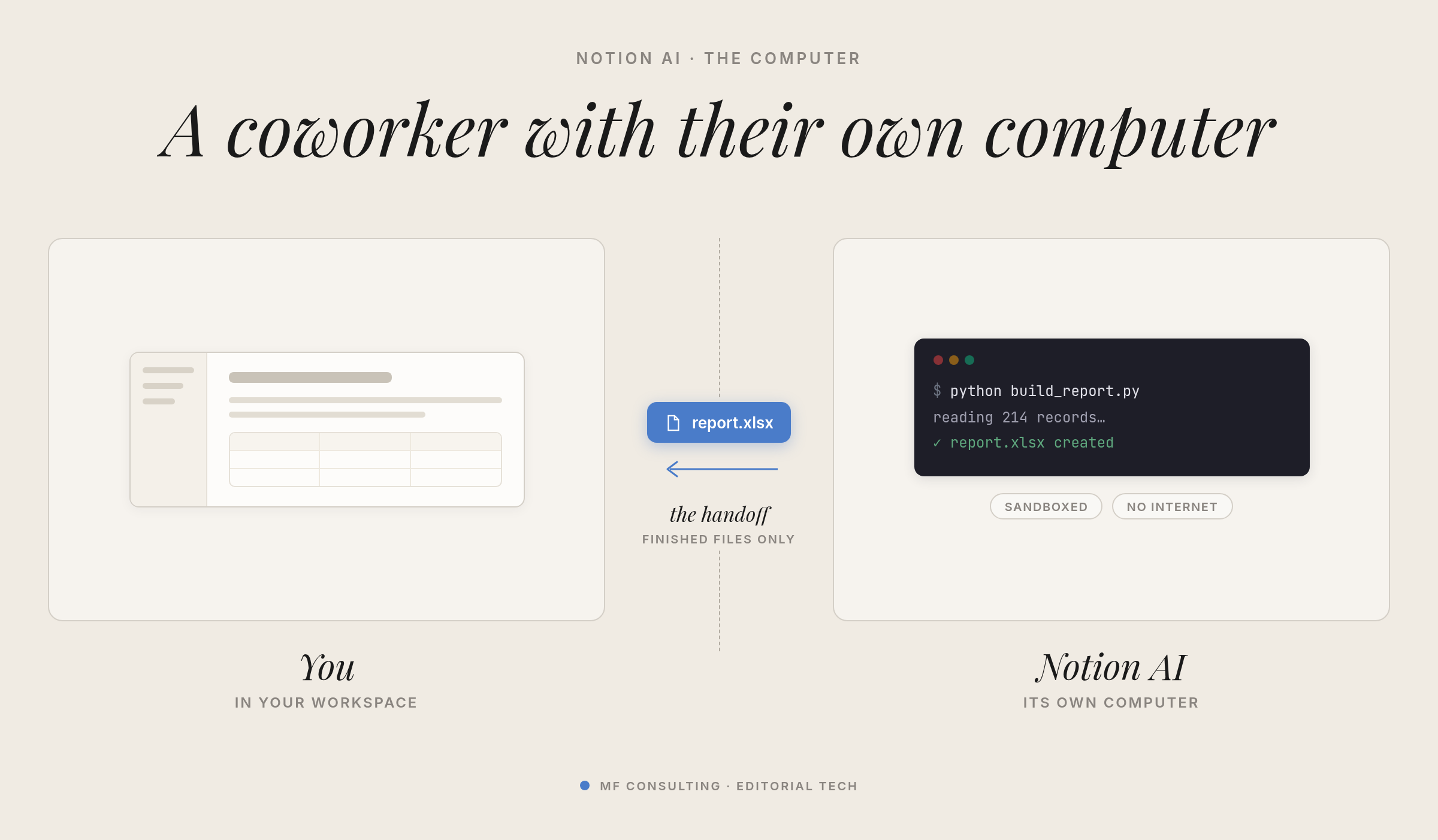
What it can’t do is touch your system. It can’t move your local files, run commands on your machine, or open apps you’ve installed. The laptop is sandboxed — no connection to your computer, no open internet.
That boundary is the whole point. Instead of being limited to a few tools wired in through APIs, Notion AI now has a real machine to work on, and that unlocks a surprising amount.
How Do You Access Notion Computer?
Notion Computer is available anywhere you can reach Notion AI on the Business or Enterprise plan — there’s no dedicated toggle to flip.
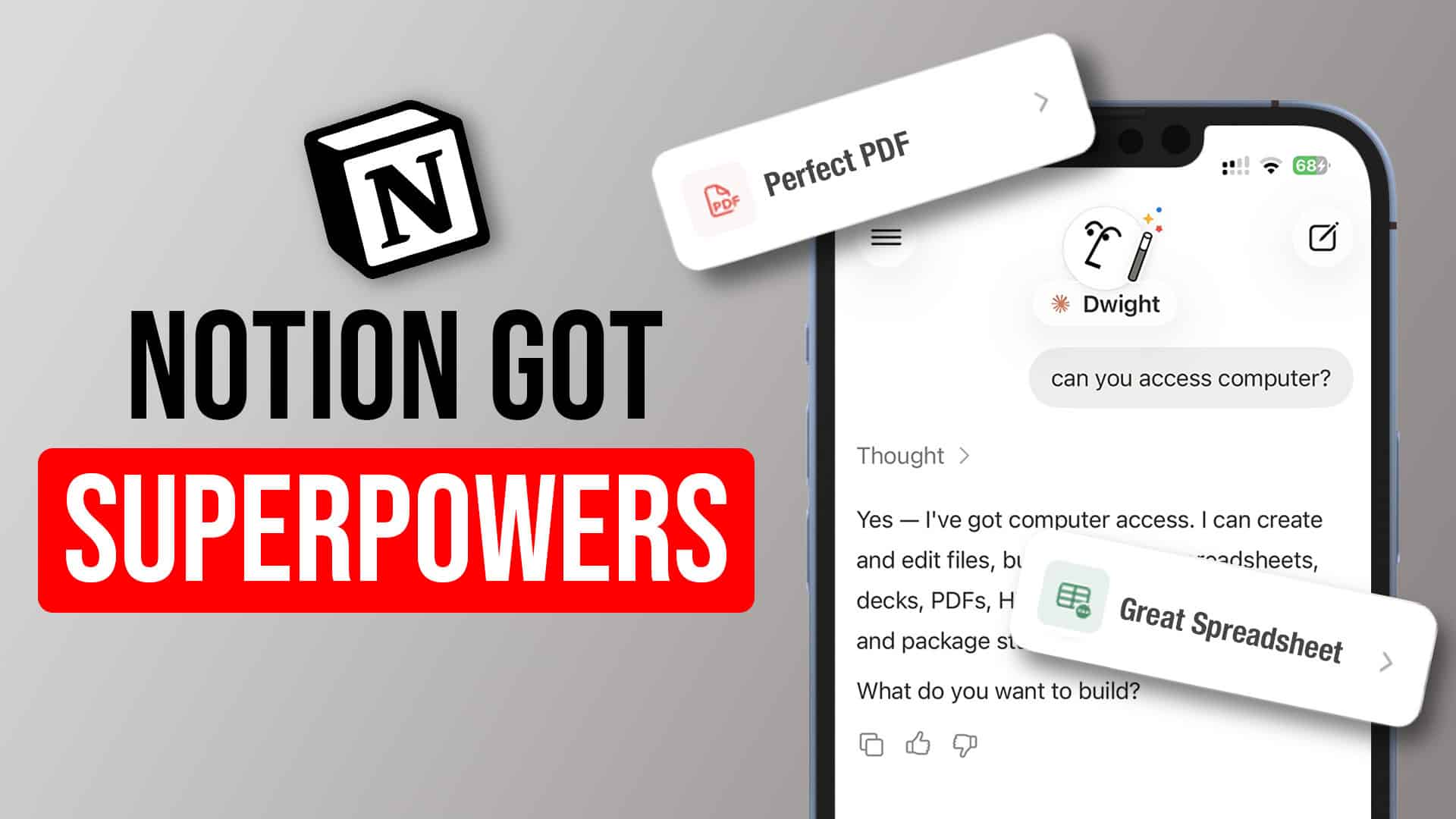
The quickest test: open Notion AI and ask, “Can you access computer?” You’ll see the range of things it can do, and you might spot capabilities that have already slipped into your workflows unnoticed.
How Do You Create Printable PDF Reports From Notion Data?
Notion Computer can turn your Notion data into a properly designed, printable PDF — solving one of the platform’s oldest pain points.
Exporting used to be painful. Notion’s infinitely flexible layout never translated cleanly to a fixed A4 page, so things broke the moment you tried to print something polished.
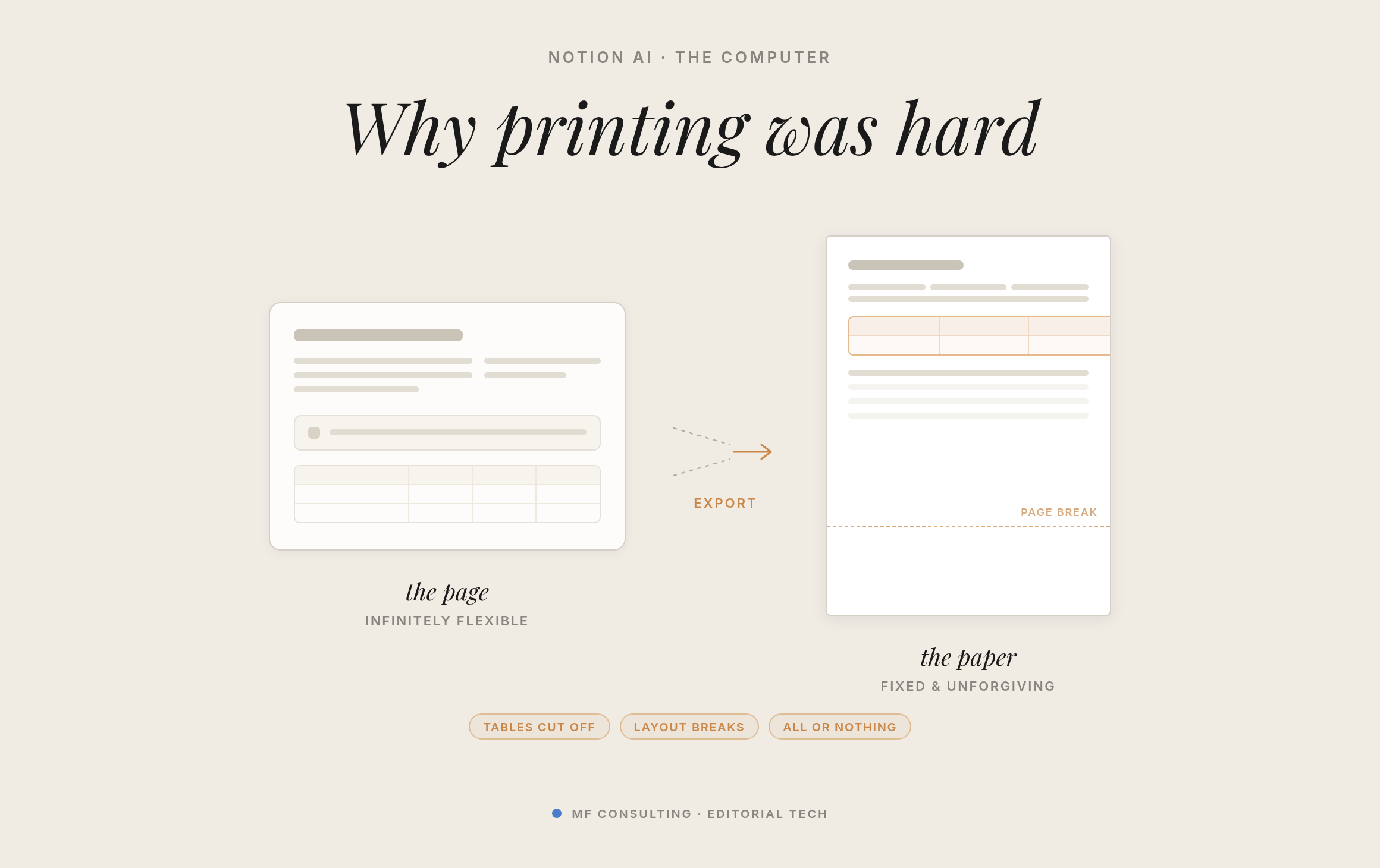
Now Notion AI can generate a PDF programmatically with code. The best results come from a two-step route: it first builds an HTML layout (which AI is great at), then converts that into a PDF for a richer, better-looking output.
The clever part is that you don’t need to build the printable page yourself. With a skill, you can teach Notion AI exactly where to pull from — grab these cells from that database, this figure from that meeting note — and assemble them into one branded layout.
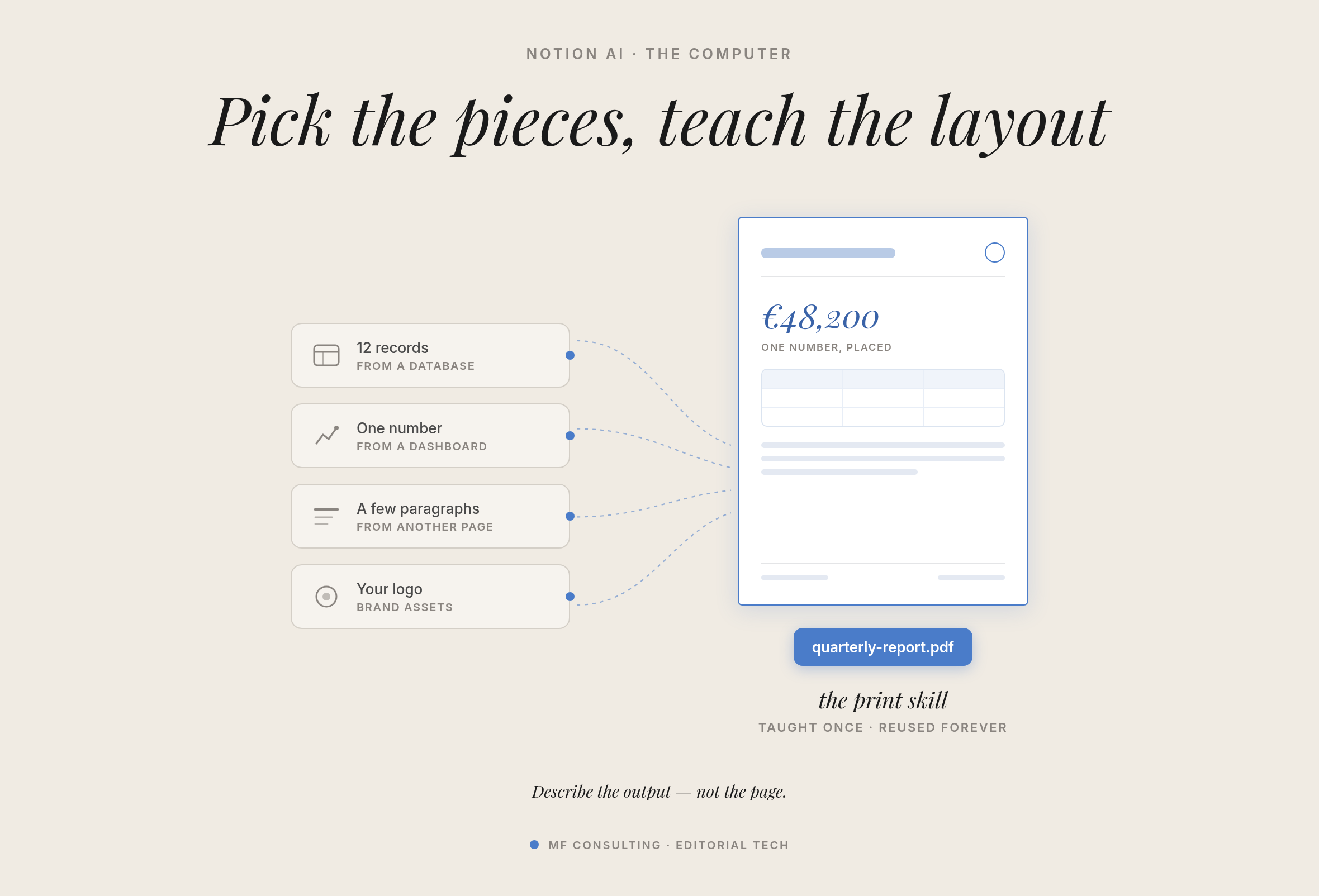
In our own test, we asked it to print a quarterly client report pulling from projects, time logs, invoices and an executive summary. It built the HTML, rendered it with a headless Chromium browser, and returned a clean A4 PDF — branding across the top, real data from our system, even page numbers at the bottom.
💡 Pro Tip: For a one-off, a smart model can often one-shot a decent PDF. But if you need consistent branding and layout — a recurring quality report — invest the time to wrap it in a proper skill. That’s where it really pays off.
Here’s a sample prompt you can adapt — just point it at your own databases and page sections:
Create a print-ready A4 PDF: "[Client] — Quarterly Report · Q2 2026".

Pull the content together:
- From my Projects database: every active project — name, phase, progress, lead, due date
- From my Time Log: total hours per project and the billable share
- From my Invoices database: an invoice table plus totals for paid vs. outstanding
- From this page: the "Executive Summary" paragraph verbatim and the "Next Quarter Priorities" bullets

Process: build an A4-styled HTML file first (A4 page size, proper margins, controlled page breaks, a footer with page numbers), then print it to PDF with a headless Chromium browser. Do NOT screenshot or export the Notion page.

Branding: company wordmark in the header, one accent colour for headings and rules, and a footer line with my company name and website.

Quality bar: a cover block (title, client, quarter, date), clear section hierarchy, and tables that never break awkwardly across pages. Before delivering, render each PDF page to an image, inspect it, fix anything broken, then give me the file.
Can Notion Now Work With Spreadsheets, PowerPoint and Word Files?
Yes — Notion Computer works with all the common file types, which closes a big gap for anyone who lives partly outside Notion.
Documents were never the problem; you could always write those as markdown. Spreadsheets and presentations were the sticking point, especially in more conservative industries where those formats are simply expected.
Now you can import data from a spreadsheet, have Notion AI manipulate or update it, write results back to your Notion databases, or build a brand-new spreadsheet from your data.
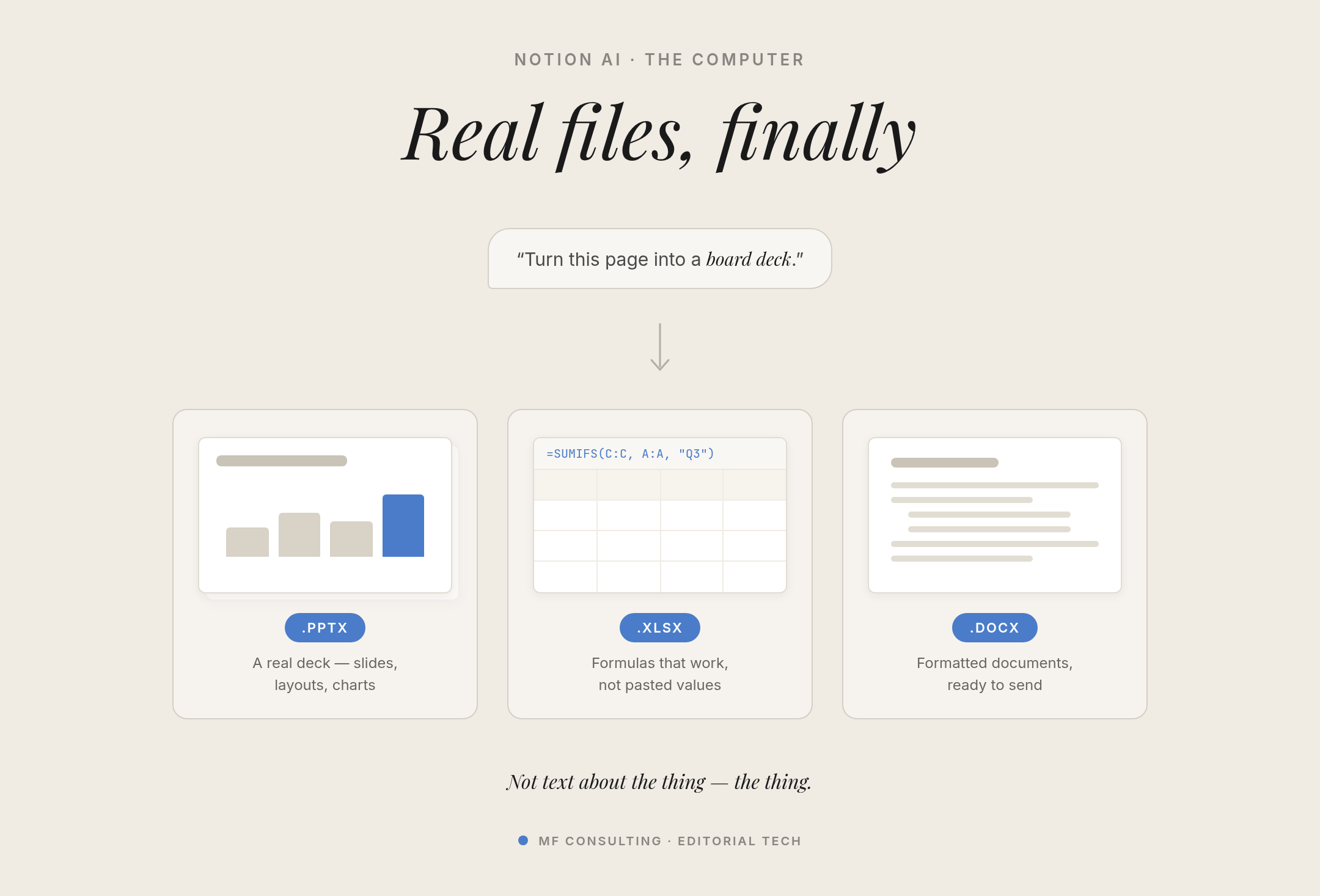
In a quick demo, we handed it fictional sales data and got back a fully editable spreadsheet with a details sheet, a summary sheet and a chart — far faster than doing it by hand.
💡 Pro Tip: Honestly, we’ve never used PowerPoint and don’t plan to start — HTML slides simply look better to us. But if you genuinely need a .pptx or .xlsx file for a client, Notion can now produce it.
Try these two prompts back to back — the first builds the workbook, the second turns the same data into a deck:
Take my Sales Data database and build a polished Excel workbook:
- Sheet 1: the clean, formatted raw data
- Sheet 2: a summary by region and product using REAL formulas (SUM/AVERAGE — I'll click the cells to check), plus month-over-month revenue growth
- An embedded revenue-by-month chart
Style it like a finance-team deliverable and give me the file.
Now turn the same data into a 5-slide deck, "H1 2026 Sales Review": title, revenue trend, regional split, best-selling product, and one "so what" takeaway slide. Clean and minimal — something I could present to a client tomorrow.How Does Notion Computer Handle Data Crunching and Calculations?
Notion Computer lets Notion AI run real code for heavy calculations, which makes it far more reliable with numbers.
Language models are brilliant at reasoning but surprisingly weak at actual maths, especially anything complex. By running code instead of reasoning its way through, Notion AI can now crunch large datasets accurately.
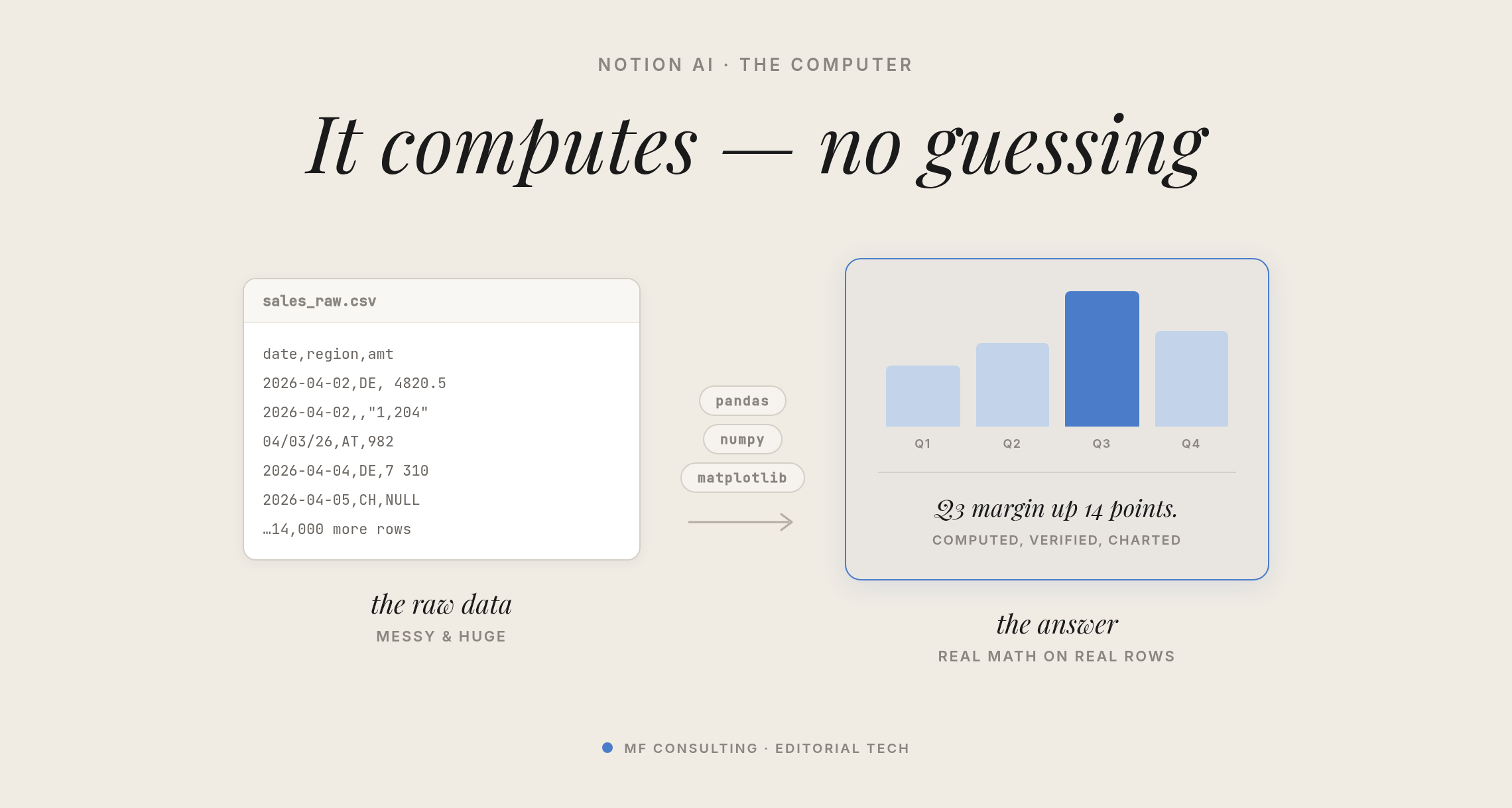
Feed it a big dataset — even one pulled from a connected data warehouse via SQL — and it can do the number-crunching on its virtual machine, then re-render the result as an HTML block or straight into the chat.
This pairs neatly with Notion’s recent interactive HTML blocks, so your calculated output can become something readers actually interact with on the page.
Here’s a sample prompt for a proper, code-backed analysis:
Analyse my Newsletter Metrics database like a growth analyst: compute open and click rates per edition, chart the trends over time, and tell me at least one thing I could NOT spot by eyeballing the table. Prove every claim with computed numbers and charts.Can Notion Create Videos?
Yes — Notion Computer includes Remotion, a tool that generates simple videos programmatically through code.
Remotion works by lining up images that AI renders (often via HTML) against timeframes and playing them back — which is exactly how the little stop-motion clips in the release were made.
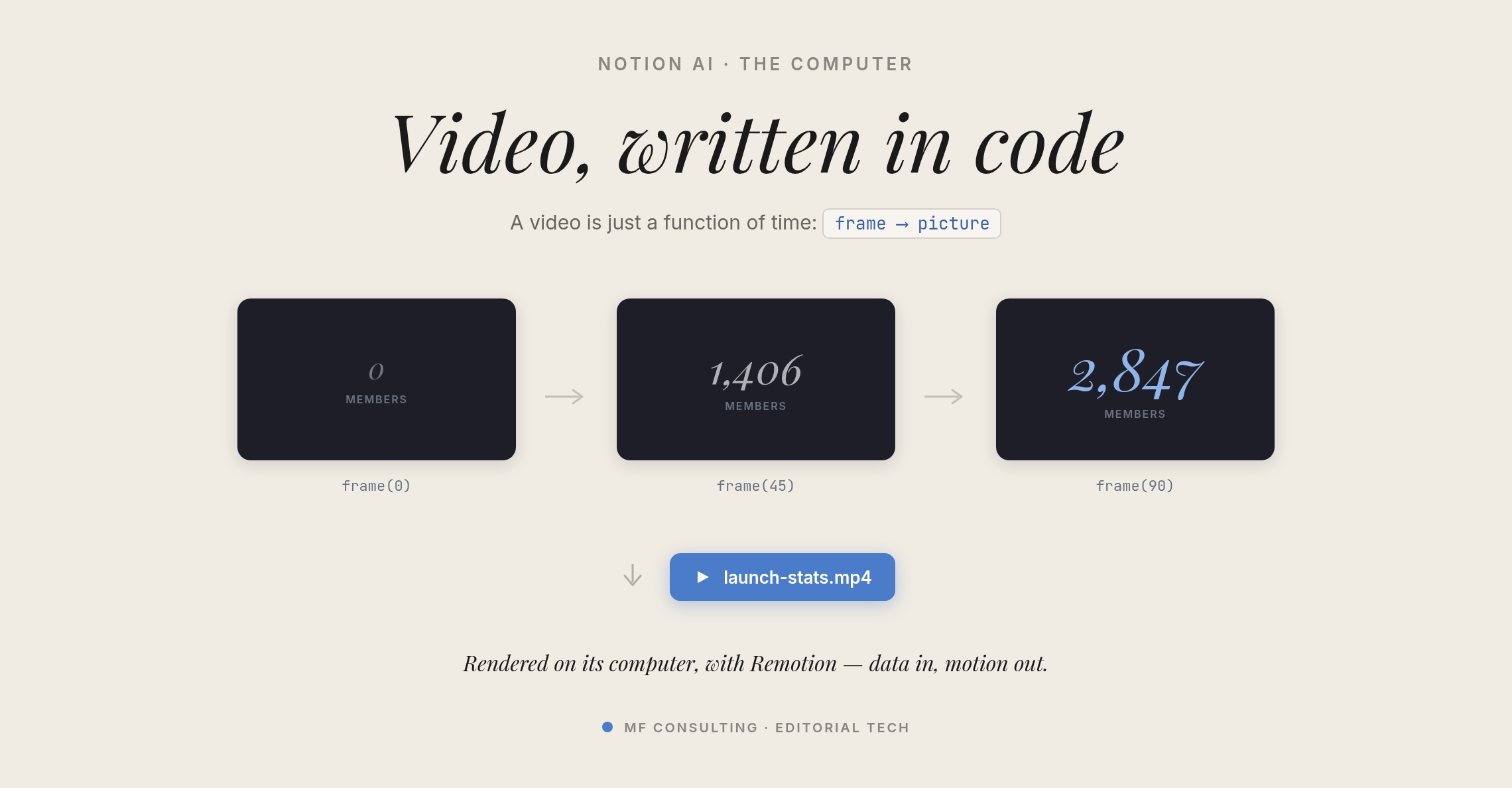
It’s early and simple, so think short, playful animations rather than polished production. We even asked it to create a mock “Super Bowl ad” for MF Consulting, purely because it was fun. But it hints at the bigger potential of giving your AI a machine that can run programs like this.
Want to try it? This prompt turns a simple table of numbers into an animated stat reel:
Using only the stats and milestones in the table on this page, create a 15-second 1080p MP4 with Remotion: dark background, one stat per scene with the number counting up, big punchy trailer typography, and an end card. Render it and give me the file.Can You Build Small Tools and Apps With Notion Computer?
Yes — because everything here is code, Notion Computer can build small tools, visualisations and even simple web components for you.
Want an interactive map with a few moving parts, or a quick mini-visualisation? It handles those comfortably, all developed inside the sandbox.
💡 Pro Tip: For anything ambitious, I still prefer Claude Code — my skills and pipelines are already set up there, and it’s more efficient. If you’re getting started, learn the ropes in Claude first, then hand the smaller jobs off to your colleague inside Notion.
Notion Computer At A Glance
Here’s a quick view of what Notion Computer can and can’t do, so you know exactly where the boundaries sit.
| ✅ What Notion Computer Can Do | 🚫 What It Can’t Do |
|---|---|
| Build printable, branded PDF reports from your Notion data | Access files or apps on your own computer |
| Create and edit spreadsheets (.xlsx), presentations (.pptx) and Word docs | Connect to the open internet from its sandbox |
| Run real code to crunch large datasets accurately | Install extra programs or custom software |
| Generate simple videos with Remotion | Run commands on your local machine |
| Build small tools, visualisations and web components | Replace a full dev environment for ambitious builds |
How Do You Turn These Prompts Into Reusable Skills?
A skill is a saved set of instructions that teaches Notion AI how to do a repeatable job the same way every time — so you stop rewriting the same long prompt.
A one-off prompt is perfect for a quick experiment. But the moment a task repeats — a weekly report, a monthly deck, a standard analysis — you want a skill. You describe the job once, and from then on a short request like “print this quarter’s client report” kicks off the whole process.
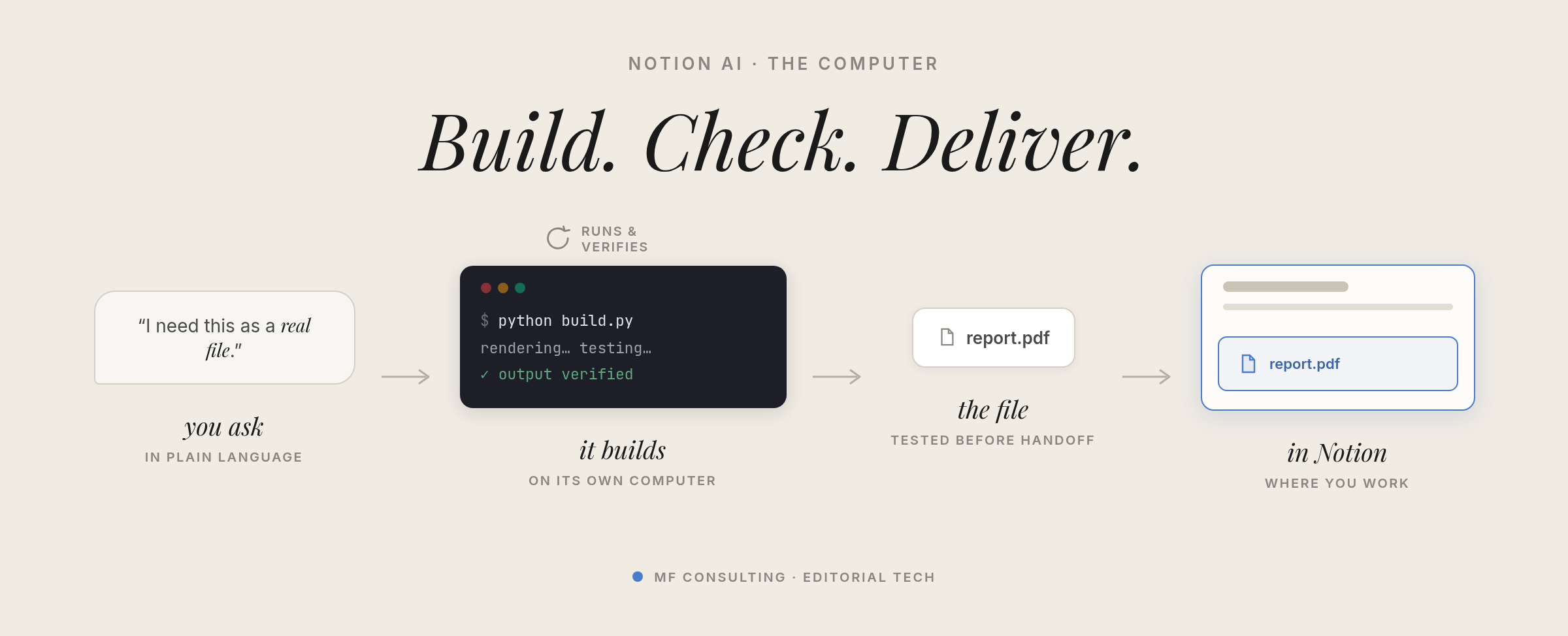
A skill is just a plain-text file with three parts:
- ✅ Name — a short handle for the skill
- ✅ Description — what it does and when to use it (this is the trigger Notion AI matches against)
- ✅ Instructions — the step-by-step process, rules, and quality bar
Here’s the print engine from earlier, written up as a reusable skill you can adapt:
---
name: print-ready-pdf
description: >
  Build a branded, print-ready A4 PDF from Notion data. Use whenever someone
  asks for a printable, branded, or client-facing report built from pages and
  databases in the workspace.
---

# Print-Ready PDF

Turn Notion data into a polished A4 PDF that's ready to send or print.

## Order of operations

1. **Gather.** Query the named databases and read the named page sections.
   Use every value verbatim — never invent numbers. If it's unclear which rows
   or properties to include, ask before building.
2. **Design in HTML first.** Produce one self-contained HTML file with embedded
   CSS. Set the page size to A4 with sensible margins, stop tables and cards
   from breaking across pages, keep headings with their content, and repeat the
   header row on long tables.
3. **Apply the brand.** Wordmark in the header, one accent colour for headings
   and rules, generous whitespace, and a footer with the page number and
   company line.
4. **Print.** Use a headless Chromium browser to print the HTML to PDF (A4,
   backgrounds on). Never screenshot a Notion page.
5. **Verify.** Render every PDF page to an image and inspect it — no clipped
   tables, no orphan headings, no overflowing text. Fix and re-print until it's
   clean.
6. **Deliver.** Hand over the PDF plus a one-line summary of what data went in.

## Rules

- Data accuracy beats speed — a wrong number in a client report is worse than a
  slow one.
- Keep the layout calm: clear hierarchy, aligned tables, consistent spacing.
- If a section has no data, omit it rather than printing an empty block.
The same pattern works for every capability above — a sales-workbook skill, a newsletter-analysis skill, or a stat-reel video skill. Build the prompt once, get it right, then save it so the whole team can trigger it by name.
💡 Pro Tip: Keep the description sharp. It’s the part Notion AI reads to decide whether a skill applies, so spell out exactly when it should — and shouldn’t — fire.
Frequently Asked Questions
What Is Notion Computer?
Notion Computer is an umbrella term for a set of Notion AI capabilities that run on a sandboxed virtual machine. It lets Notion AI create files, run code, and generate media as if it had its own laptop — without ever touching your actual computer.
Do You Need a Special Plan to Use Notion Computer?
Yes. Notion Computer is available on the Business and Enterprise plans, anywhere you can access Notion AI. There’s no separate feature flag — just ask your Notion AI whether it can access computer to confirm.
Is Notion Computer the Same as Giving Notion Access to My Files?
No. The environment is fully sandboxed, with no connection to your machine or the open internet. It works on files you hand it and files it creates, then sends the results back to you — it can’t reach into your local system.
What File Types Can Notion Computer Create?
It can produce PDFs, spreadsheets (.xlsx), presentations (.pptx), Word documents, HTML, and simple videos. That covers most of the formats that previously forced you out of Notion into other tools.
Can Notion Computer Replace Tools Like Claude Code?
For small, self-contained jobs — a quick visualisation, a one-off report, a simple tool — it’s a great fit. For ambitious development work with established pipelines, a dedicated environment like Claude Code is still the more efficient choice.
How Do I Turn a Notion Computer Prompt Into a Reusable Skill?
Save your prompt as a skill: give it a name, a description of what it does and when to use it, and the step-by-step instructions. Once saved, a short request like “print this quarter’s report” runs the whole process, so you never rewrite the long prompt again.
💼 Need the support of certified Notion Consultants? My team and I are here to help! → matthiasfrank.de/en/notion-consulting