Notion property access gives you precise control over who can see and change each property in a database. It adds a missing layer to Notion’s permission system: you can now protect sensitive values, lock critical fields and limit what people or agents can change without splitting your data across multiple databases.
Last updated: 27 September 2026
What Is Notion Property Access?
Notion property access lets you control who can see a database property and who can change its values. Notion uses Property access as the official name, although you may also hear the feature described as property-level or column-level permissions.
Until now, database permissions were broad. If someone could open a page, they could generally see every property attached to it. Their database permission then determined whether they could edit those values or change the database structure.
Property access adds another layer. A person can still open the page but see only the properties relevant to them.
For example, you could:
- Let everyone see a task’s Status, but only its Owner change it
- Hide an internal Notes property from people outside your team
- Let a department view a Budget without editing it
- Allow an agent to update one field without touching the rest of the database
- Keep sensitive properties out of pages published to the web
The feature is available on Notion’s Business and Enterprise plans. You need Full access to a database to create or change its rules, and configuration is available on web and desktop rather than mobile.
How Do You Set Up Property Access In Notion?
You configure property access from the original database in a table view. Each rule combines a default access level with exceptions for people who need more or less access.
- Open the original database on web or desktop — not a linked view.
- Open the menu for the property you want to control.
- Select Property access.
- Choose the default access for everyone who can open the database.
- Add exceptions for specific people, groups, person properties or agents.
- Choose the access level for each exception.
- Select Preview and choose a user to test the result.
- Save the rule.
You can apply the same rule to several properties at once. Once saved, a small lock icon indicates that a property has a custom access rule.
You can also find existing rules through the database’s property settings. The crucial point is that these controls live at the database-property level — not in the general Share menu.
Pro Tip: Always preview the rule as someone without Full access. Full-access users cannot be restricted, so testing as an admin gives you a misleading result.
Which Property Access Levels Can You Choose?
Notion offers six access levels, ranging from inherited database permissions to completely hiding the property.
- Inherit from database: The person’s database permission determines what they can do.
- Can edit property & values: They can change both the property setup and its values.
- Can edit values only: They can update values without changing the property itself.
- Can view property & values: They can see the property and its values but cannot edit them.
- Can view property only: They can see that the property exists, but its values stay hidden.
- No access: The property and its values are completely hidden.
In most real-world setups, you will use property access to restrict the default behaviour. You might turn an editable property into a read-only field or hide it from everyone except a small group.
There are also cases where you can safely grant more access. For example, a team with Can edit content on the database could receive permission to manage values in a particular property while the rest of the database structure remains protected.
How Do Database, Page And Property Permissions Work Together?
Database and page-level access decide whether someone can open a page. Property access decides what they can see and change after they get inside.
Think of Notion permissions as a waterfall:
- Database access: Does the person have access to the database and its pages?
- Page-level access: If the database is restricted, does a rule give them access to this specific page?
- Property access: Once the page opens, which properties can they see or edit?
Property access never grants access to a page that someone cannot already open. If the answer at the first two levels is “no”, the property rules do not matter.
| Permission Layer | What It Controls | Typical Use Case |
|---|---|---|
| Database access | Whether someone can access the database and, by default, its pages | Give the team access to the shared task database |
| Page-level access | Which individual database pages someone can open | Let a client see only projects assigned to them |
| Property access | Which properties someone can see or change on accessible pages | Hide internal notes or lock an approval field |
This distinction matters because hiding a property is not a substitute for restricting the page. If someone should not know a page exists, solve that with database or page-level access first.
How Can You Let Only Task Owners Change A Status?
Set the Status property to view-only by default, then give the person named in the Owner property permission to edit its values.
The rule would look like this:
- Property: Status
- Default access: Can view property & values
- Exception: Owner
- Exception access: Can edit values only
Everyone who can open the task can see whether it is open or complete. Only the assigned owner can change that value.
There is one important loophole: can people edit the Owner property themselves? If they can assign themselves, they can opt themselves into the Status rule.
You may therefore need to lock both properties. Protect the action field, but also protect any field that determines who receives access to it.
How Can You Hide Internal Properties On Public Pages?
Set the property’s default access to No access, then add your internal team as an exception. Public visitors will not see the property, while your team can continue working with it.
For example, imagine a database of open job positions published on the web. You want candidates to see the role, location and description, but not internal hiring notes.
Configure the Hiring Notes property like this:
- Default access: No access
- Exception: Your internal team group
- Exception access: Can edit values only
This follows the safest general permission pattern: start with the lowest access needed, then opt trusted people back in.
Notion does not provide a special “hide only on public pages” switch. You achieve the result through the property’s default access and internal exceptions.
When Should You Show A Property But Hide Its Values?
Use Can view property only when people need to know a field exists but should not see its contents. For most everyday setups, completely hiding irrelevant properties creates a cleaner experience.
Seeing “No access” across a page adds noise and raises questions. If a field has no meaning for someone’s work, No access is usually the better choice.
There are a few exceptions. You might want someone to know that:
- An approval field exists but only managers can see its decision
- An audit property exists but its values are confidential
- A controlled process is happening without revealing the underlying information
A hidden-value person property can also drive access to another property. Think of it like a guest list: people can know that the list exists and discover whether their own name grants entry, without seeing everyone else on it.
How Does Property Access Work With Formulas And Automations?
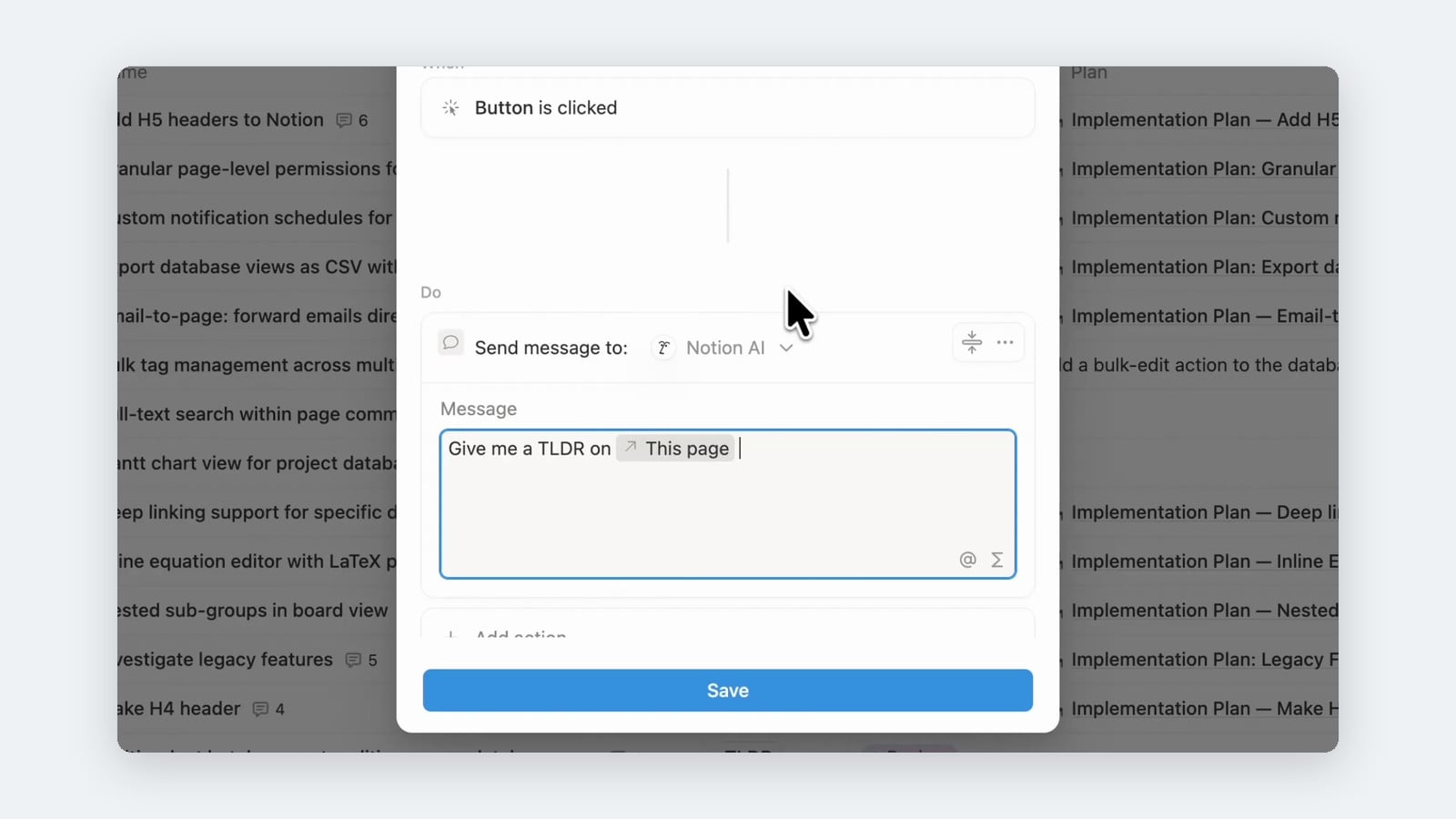
Buttons, automations, formulas and rollups still respect property permissions. A workflow can fail or return confusing results when the person running it cannot access one of its input properties.
During testing, formulas based on restricted properties did not always communicate the missing access clearly. Depending on the formula and restriction, a result may appear empty, resolve to zero or behave differently than expected.
That creates two risks:
- A user may interpret a missing value as real data.
- An automation may not complete because it cannot read or change a required property.
Test every dependent formula and workflow as the actual audience, not as an admin. If a calculated output exposes sensitive information from a hidden input, restrict the output property too.
Notion’s official troubleshooting advice follows the same logic: if a workflow stops working, test it as someone who can see the property. If it succeeds, the original user is probably missing access to a required field.
How Does Property Access Work For Notion AI And Agents?
Agents can receive their own property permissions, while Notion AI generally inherits the permissions of the person using it. An agent cannot use a property it cannot access.
This creates a useful safety boundary. You can give an automation or agent access to the database while limiting which fields it may read or change.
For example, a documentation agent might be allowed to:
- Read a task’s title, description and project
- Update a Documentation Status property
- View but not edit the task’s main Status
- Have no access to confidential budget or client-note properties
This is a major improvement for agentic workflows. Previously, an integration’s broad database access made it harder to enforce field-level boundaries. Property access lets you follow the principle of least privilege: give the agent only what it needs to complete its job.
Be aware that a restricted agent may report that a property does not exist. From the agent’s perspective, that can be true — inaccessible properties are not available in its context.
What Are The Most Important Limitations And Gotchas?
Property access is powerful, but it is not a replacement for a well-designed permission model. Several rules can produce surprising results if you miss them.
Full-Access Users Cannot Be Restricted
Anyone with Full access to the database always has full access to its properties. A column rule cannot downgrade them.
Keep full access limited to a small admin group. Give the wider team Can edit content or lower wherever possible.
Notion Applies The Widest Matching Access
If someone matches several exceptions, Notion gives them the least restrictive access level. Broader sharing elsewhere can therefore override the restriction you expected.
If someone still sees a property, inspect the complete Share menu and every exception rather than looking at one rule in isolation.
Restricted Properties Can Break Views
A view may fail to open when it filters, sorts or groups by a property the user cannot see. Build audience-specific views that rely only on properties available to that audience.
Some Properties Cannot Be Restricted
Notion’s current limitations include Title, ID, creation and edit metadata, certain synced properties, and subitem or parent relation properties. Property access is also unavailable in wiki databases.
Large Rule Sets May Affect Performance
Databases with many property-access rules can load more slowly, especially when views sort, filter or group by restricted properties.
Linked Views Can Behave Differently
Rules must be configured on the original database. During my testing, elevated property permissions also behaved differently between a source database and a linked view in one scenario.
Treat that as an interface quirk rather than part of your access model. Test both the original database and the linked views your team actually uses.
What Is The Best-Practice Permission Setup?
Use groups, minimise full access and start every sensitive rule with the lowest sensible default. Then add explicit exceptions for the people or agents who need more.
A strong baseline looks like this:
- Admins: Full access to databases
- Team: Can edit content, without permission to change the schema
- External collaborators: View or page-level access only where needed
- Agents and integrations: Access limited to the properties required by their workflow
- Sensitive properties: No access or view-only by default, with named exceptions
Manage people through groups rather than adding dozens of individuals to every rule. Groups are easier to audit and keep consistent as your team changes.
Most importantly, design permissions as a complete model. Database access, page-level access and property access should reinforce one another rather than acting as isolated patches.
📩 For more practical Notion guides, join the newsletter and get 41 free Notion resources.
💼 Need the support of certified Notion Consultants? My team and I are here to help!
Frequently Asked Questions
What Is The Official Name Of Column-Level Permissions In Notion?
Notion calls the feature Property access. “Property-level permissions” and “column-level permissions” are useful descriptive terms, but Property access is the label used in Notion’s interface and official documentation.
Can Property Access Give Someone Access To A Database Page?
No. Property access only applies after someone can already open the page. Use database sharing or page-level access rules to control which pages they can access.
Can You Hide A Notion Property From Specific People?
Yes. Set the property’s default to No access, then add exceptions for everyone who should still see or edit it. Notion’s model generally works best when you restrict by default and opt approved people back in.
Can Full-Access Users Be Restricted From A Property?
No. Someone with Full access to the database always has full access to every property. Reduce their database permission first if they should be subject to property rules.
Do Notion Property Permissions Apply To AI Agents?
Yes. Agents can have their own property permissions, and Notion AI generally inherits the permissions of the user. If an agent cannot access a property, it cannot read or update it and may report that the property does not exist.
For the complete and current feature reference, see Notion’s official Property access documentation.