Notion AI perfect memory sounds like an impossible promise. After all, every new chat can feel like your Agent has just woken up with amnesia — but with the right project memory system, you can give it a reliable snapshot of what matters without explaining everything again.
The trick is not to cram more information into every prompt. It is to maintain a small set of living documents that tell your Agent what the project is, where it stands, how it got there and what should happen next.
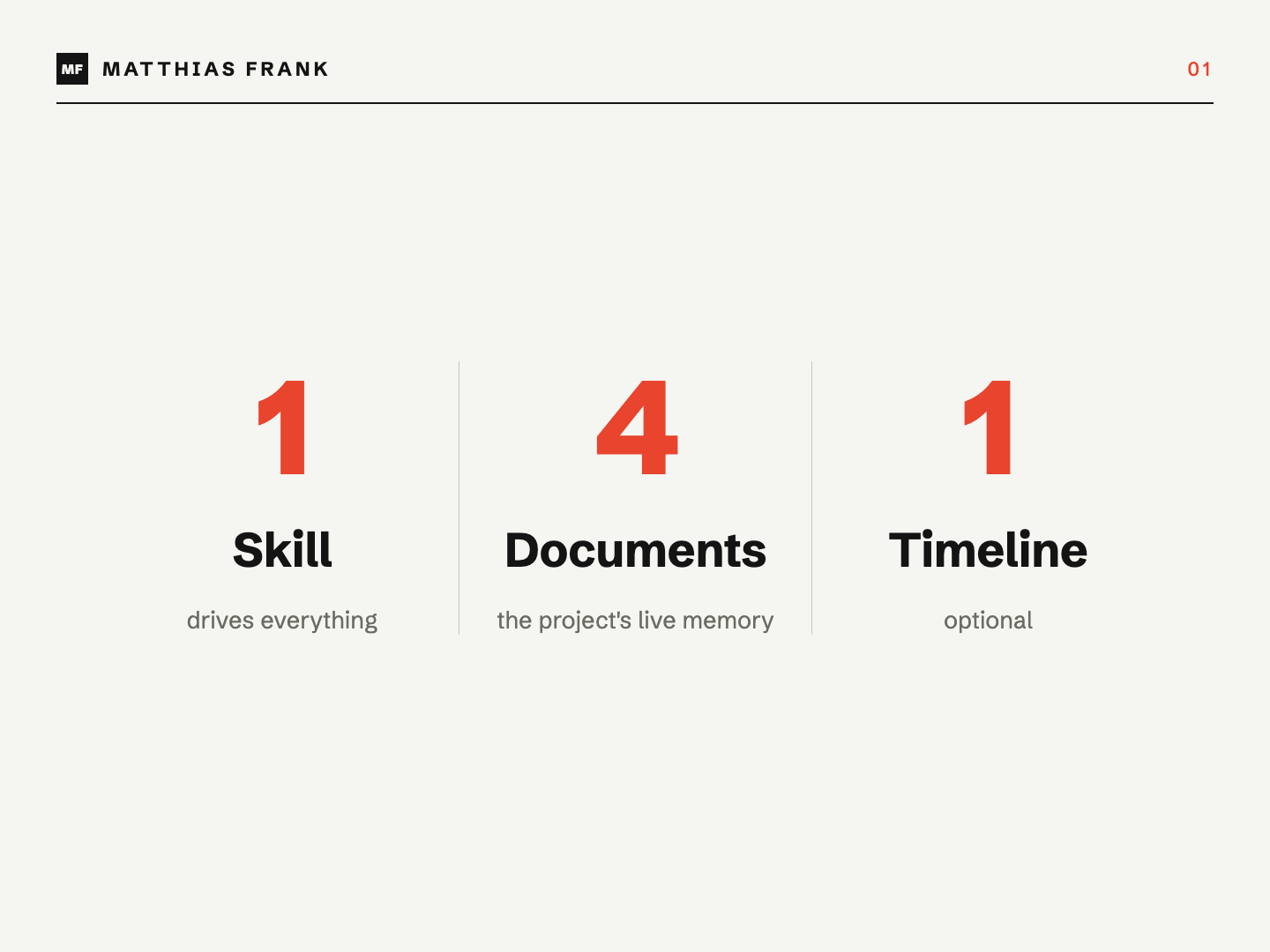
I have tested different versions of this system across active consulting work, internal projects and AI-assisted development. The framework I have landed on uses one skill, four core documents and an optional project timeline.
Why Does Notion AI Keep Forgetting Your Projects?
Notion AI can search your workspace and connected tools, but access is not the same as memory. If your Agent has to reconstruct a project’s history from scattered meeting notes, tasks, Slack threads and documents every time, each new conversation starts with expensive detective work.
Notion confirms that its Agent can use context from your workspace and connected apps, including tools such as Slack and Google Drive.[1] That is powerful, but it does not automatically create a concise, trustworthy picture of your project’s current state.
This creates three common problems:
- You repeatedly explain the same background before useful work can begin.
- Different people give the AI different slices of the project’s history.
- Old decisions and outdated plans compete with what is true today.
The solution is a curated memory layer between your raw sources and the Agent. Instead of reading everything, the Agent begins with a small set of canonical project documents.
What Are The Three Layers Of Useful AI Context?
Useful AI context has three distinct layers: instructions, skills and memory. Each solves a different problem, and mixing them together makes the system harder to maintain.
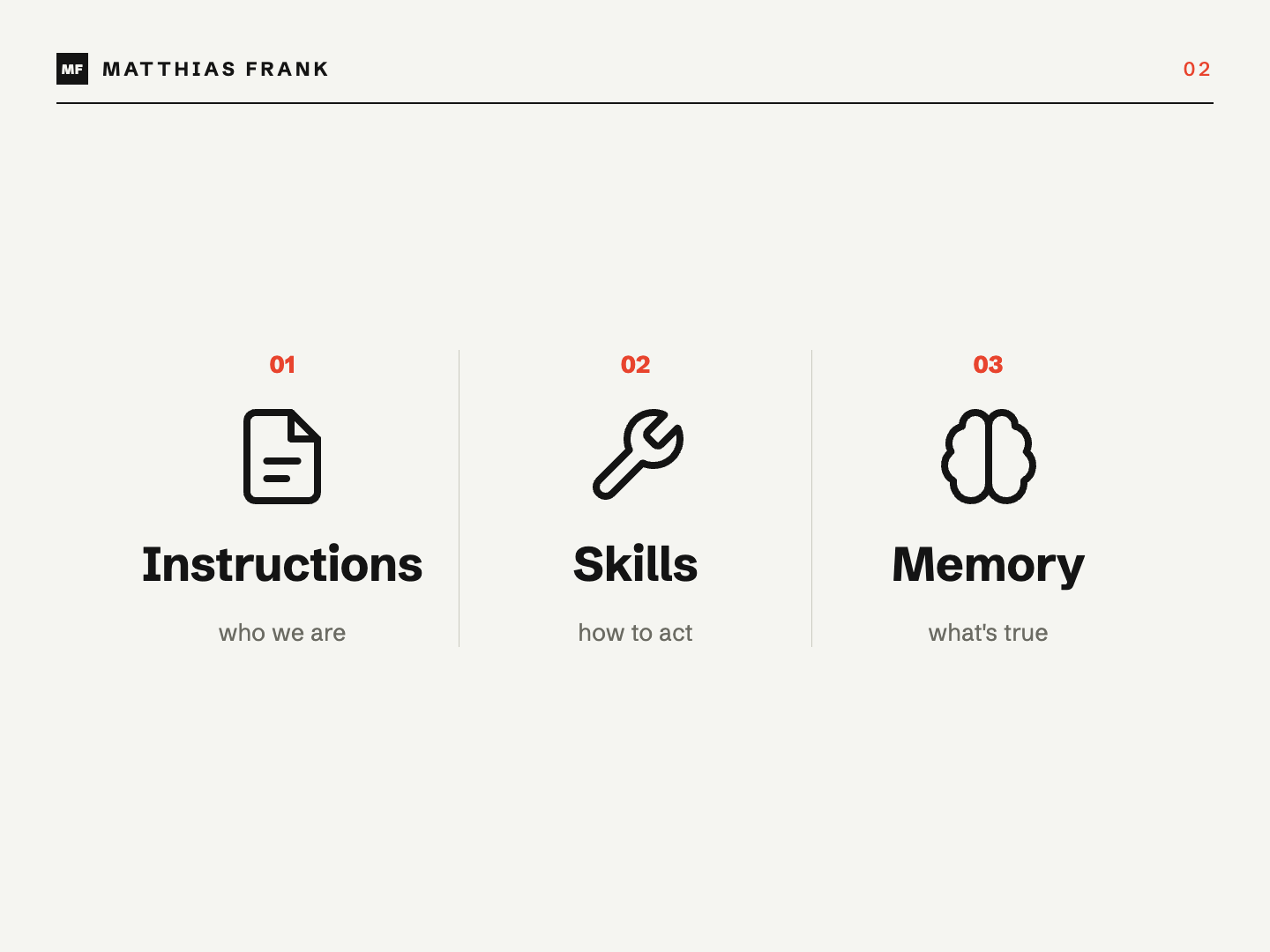
1. Instructions Define How The Agent Should Behave
Instructions contain the stable, high-level rules you want your Agent to follow in every conversation. That might include your tone, preferred formats, operating principles and workspace conventions.
Notion describes instructions as the right place for always-on, personal and low-maintenance preferences.[2] Your writing style fits here; company-wide principles now have a home of their own, the workspace’s Default Notion Agent instructions (Settings → Notion AI → General), which every member’s Notion Agent reads on top of their personal instructions. The latest status of a client project fits in neither.
2. Skills Define What The Agent Should Do
Skills are reusable processes. They explain how to perform an action such as preparing a meeting, turning a transcript into tasks or updating project context.
A team skills database gives you one place to manage those processes, and Notion Agent can use a skill automatically when its description matches the request.[3]
3. Memory Defines What Is True Right Now
Memory contains the current facts and interpretations that the Agent needs to do useful work. It answers questions such as:
- What are we trying to achieve?
- What has already happened?
- Which decisions still govern the work?
- What is blocked?
- What should happen next?
- What do project-specific terms mean?
That third layer is the missing piece in most AI workspaces.
Why Is An AI Wiki Not Enough For Active Projects?
An AI wiki is excellent for knowledge that changes slowly, but active projects need a faster memory system. A wiki behaves like a lake; project context behaves more like a river.
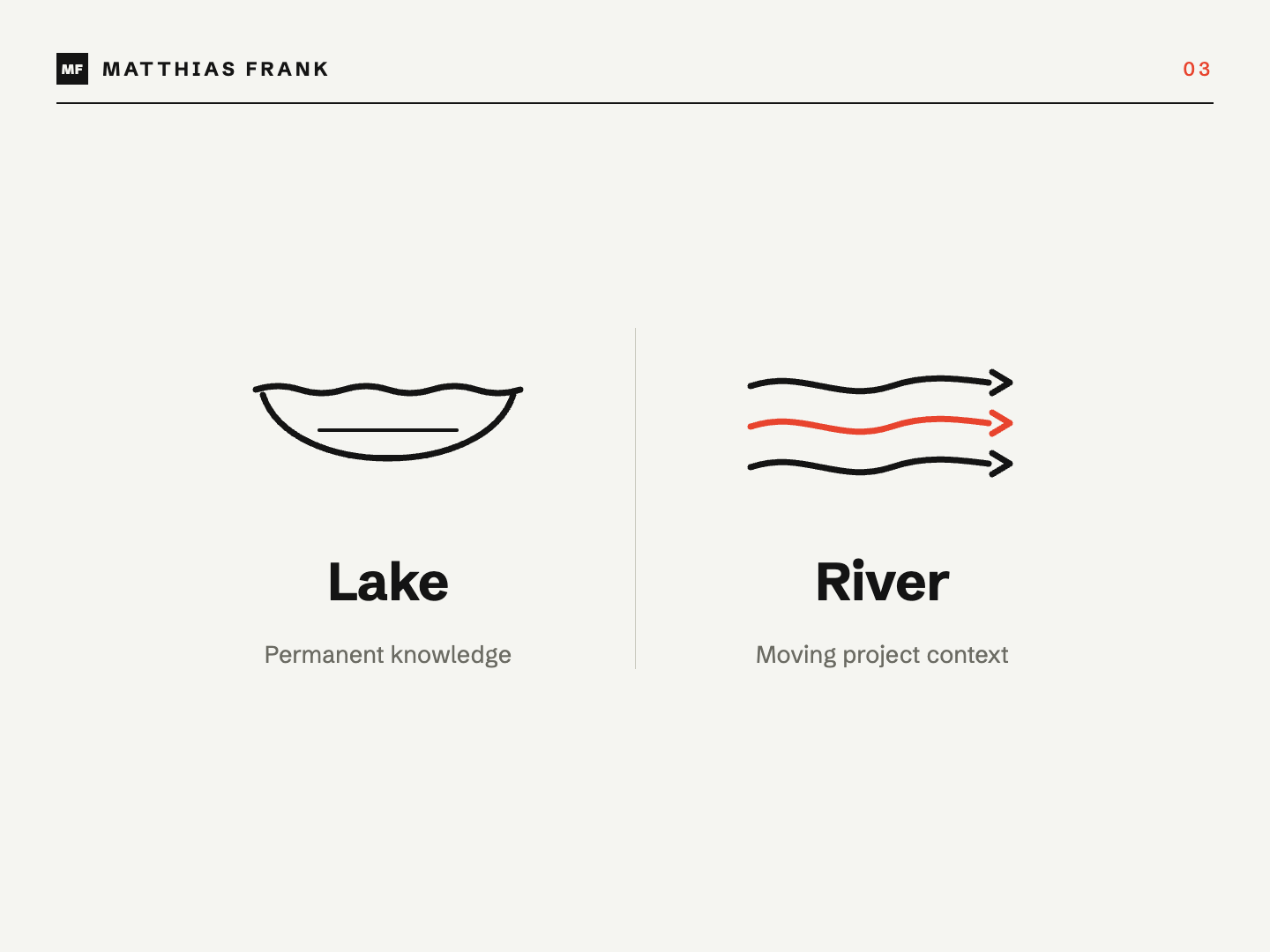
If you are collecting research about productivity, documenting company policies or building a stable knowledge base, an LLM-friendly wiki makes sense. You organise a large body of information so that both humans and AI can retrieve it later.
Project work moves differently. A client changes direction. A technical test fails. A stakeholder redefines what “launch” means. Yesterday’s next action becomes today’s dead end.
Constantly rebuilding a wiki-style summary is too slow. Instead, you need a compact snapshot of:
- Where you are
- How you got there
- What remains open
- Which language and decisions shape the work
Pro Tip: Keep permanent knowledge and project memory separate. One records what is generally true; the other captures what is true for this project now.
Which Four Documents Give Notion AI Perfect Memory?
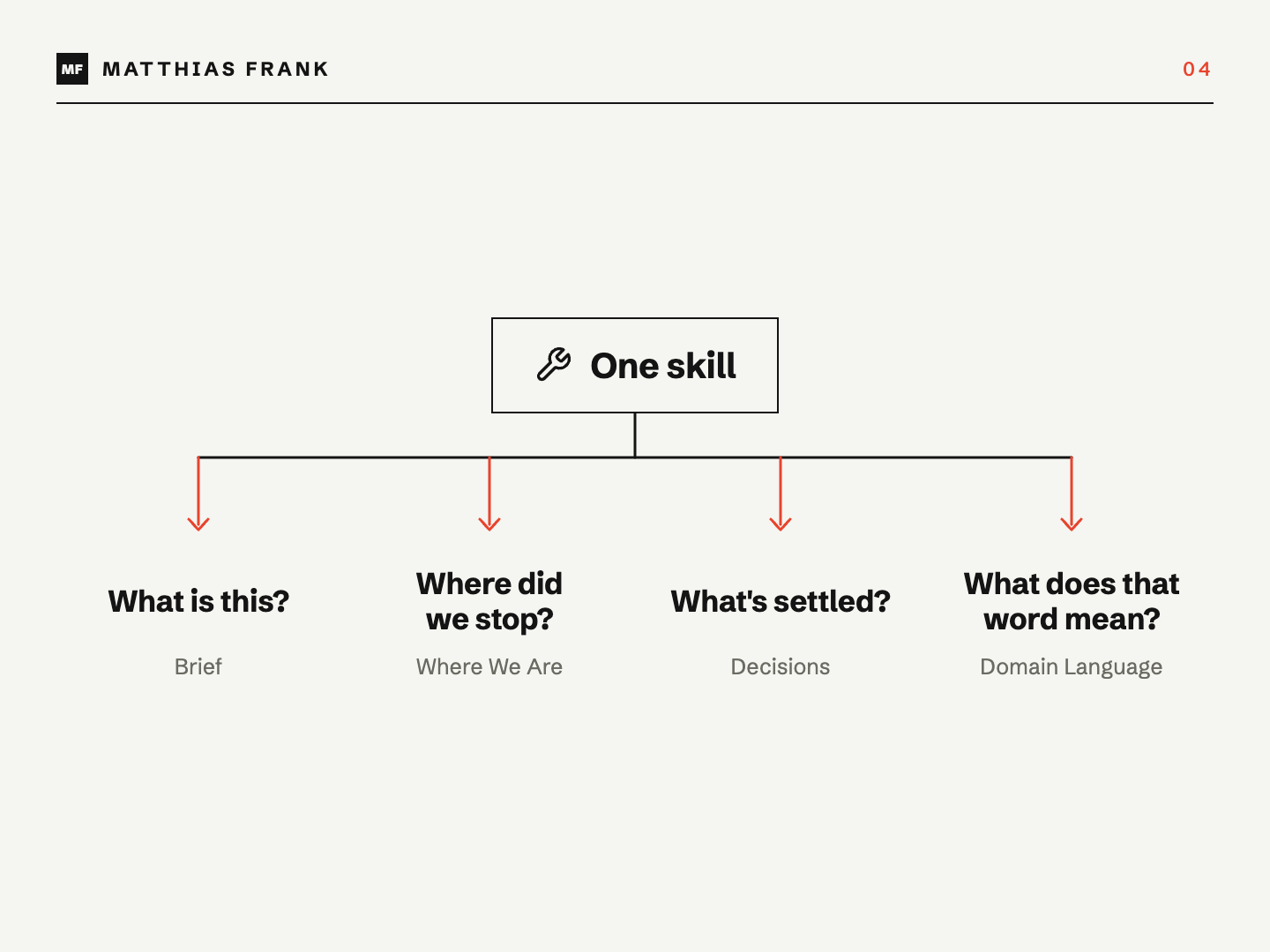
Four documents give Notion AI a practical project memory: a Project Brief, Where We Are, Decisions and Domain Language. Together, they cover stable purpose, current state, historical reasoning and shared vocabulary.
| Document | What It Contains | How It Changes | When The AI Reads It |
|---|---|---|---|
| Project Brief | Outcome, scope, principles and success criteria | Rarely; only when the project’s foundations change | When orienting or checking strategic alignment |
| Where We Are | Current state, risks, open loops and next actions | Rewritten whenever the state materially changes | At the start of almost every work session |
| Decisions | Dated decisions, reasoning and superseded choices | Appended as consequential decisions are made | When planning, challenging or revisiting a choice |
| Domain Language | Project-specific terms, definitions and distinctions | Updated surgically as vocabulary develops | Whenever precise interpretation matters |
What Goes Into The Project Brief?
The Project Brief explains the project’s purpose and boundaries. It should include the desired outcome, scope, important principles, success criteria and major constraints.
This is your slowest-moving document. Revising it every week would make it useless as an anchor, but you should update it when the project’s foundations genuinely change.
What Goes Into Where We Are?
Where We Are is the cold-handover briefing for the next person or AI session. It captures the current state, recent progress, active risks, open questions and immediate next actions.
Do not turn this page into a diary. Rewrite it so that someone arriving today can understand the project without reading every historical update.
What Goes Into Decisions?
Decisions is a dated record of consequential choices and why they were made. When a later decision reverses an earlier one, preserve both and explicitly mark the relationship.
This stops your Agent from treating every old statement as equally current. It also gives future collaborators the reasoning behind the project’s direction rather than only the final answer.
What Goes Into Domain Language?
Domain Language defines terms that have a specific meaning inside the project. The word “project”, “customer”, “approved” or “launch” can mean completely different things across two teams.
Capturing those definitions prevents subtle misunderstandings. This is particularly valuable when several stakeholders, departments or AI tools work on the same project.
How Does The Seed–Retrieve–Update Workflow Work?
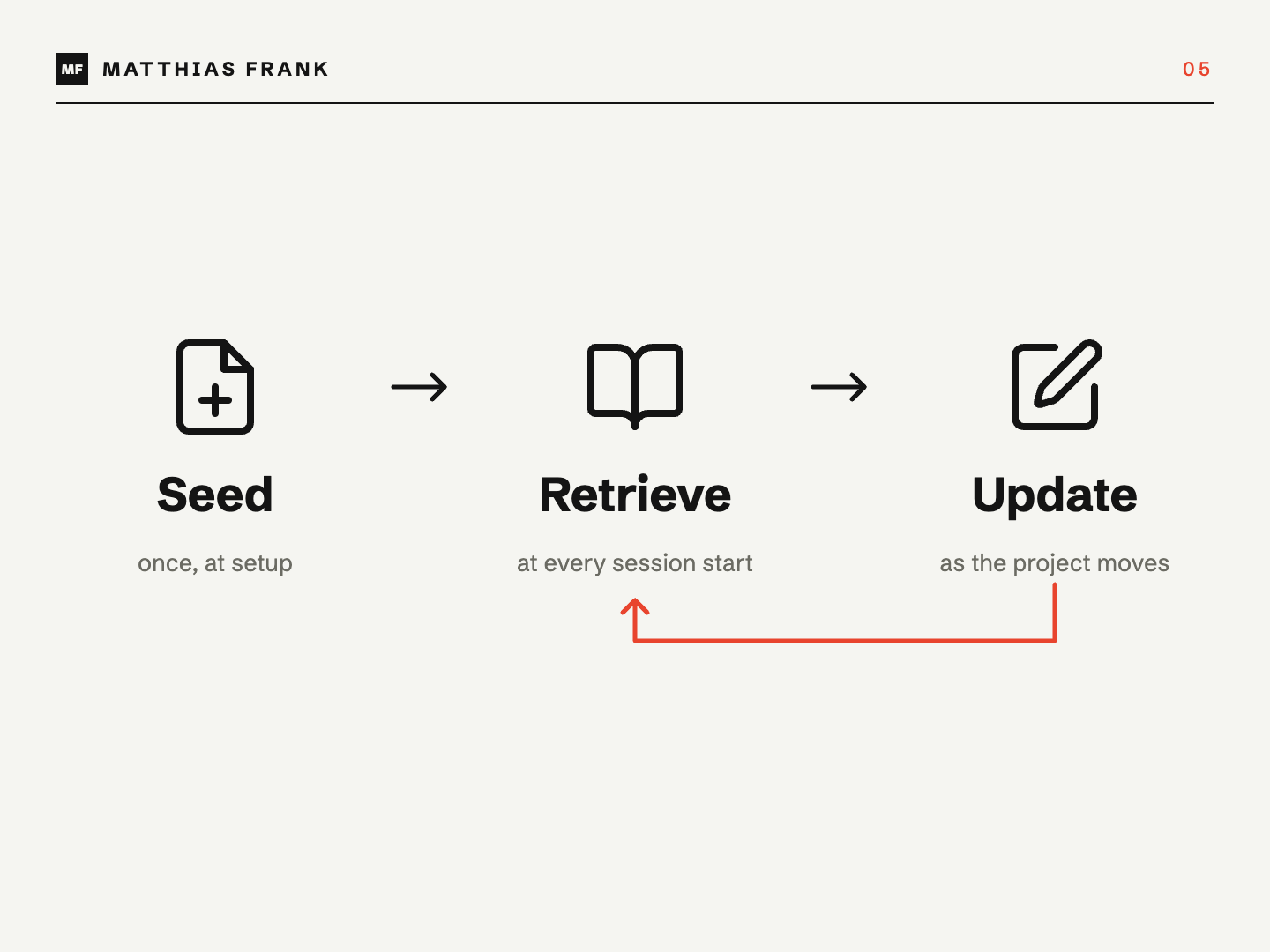
The project memory system runs through three actions: seed, retrieve and update. The documents matter, but the habit around them is what keeps the memory trustworthy.
Step 1: Seed The Memory When The Project Starts
Create the four documents when you create the project and relate them to its database page. Templates can provide the basic structure, while a setup skill fills in whatever context is already available.
You can run this manually or add it to a broader project-onboarding workflow. The important part is that every meaningful project starts with the same memory surface.
Step 2: Retrieve The Context Before Starting Work
Before your Agent picks up a task, ask it to ground itself in the related project. It should read Where We Are first, then use the Brief, Decisions and Domain Language when the task demands them.
This gives both you and the Agent the same starting point. You can spot an outdated assumption before it turns into several hours of beautifully executed wrong work.
Step 3: Update The Memory After Meaningful Work
When a task, meeting or investigation changes the project, update the relevant memory documents. Do this as part of closing the work rather than hoping somebody remembers later.
The update should match the role of each document:
- Rewrite Where We Are to reflect the new reality.
- Append consequential choices to Decisions.
- Add or refine terms in Domain Language.
- Revise the Project Brief only if the foundations changed.
I currently prefer a little human-controlled friction here. Fully automatic memory updates sound attractive, but a confident AI can also promote a passing comment into “project truth”. The human should remain in the driver’s seat for consequential interpretation.
How Should Meetings Update Project Memory?
Meeting follow-up should update both execution and memory. Creating tasks captures what people agreed to do; updating project context captures what the meeting changed.
The usual workflow stops after extracting action items from a transcript. That leaves the next collaborator — human or AI — to read the transcript again to understand the decisions, risks and shifts behind those tasks.
A stronger meeting workflow does two things:
- Creates or updates the agreed follow-up tasks.
- Distils durable changes into the four project-memory documents.
The transcript remains the raw source. The memory layer becomes the current interpretation.
This is especially useful when several people meet with a client. Person number eight should not have to search through seven transcripts before contributing intelligently.
Can The Same Memory Work Across Notion AI And Claude?
Yes. The memory system lives in Notion, but it does not need to belong exclusively to Notion AI. Any connected AI tool that can read and update the same pages can work from the same project context.
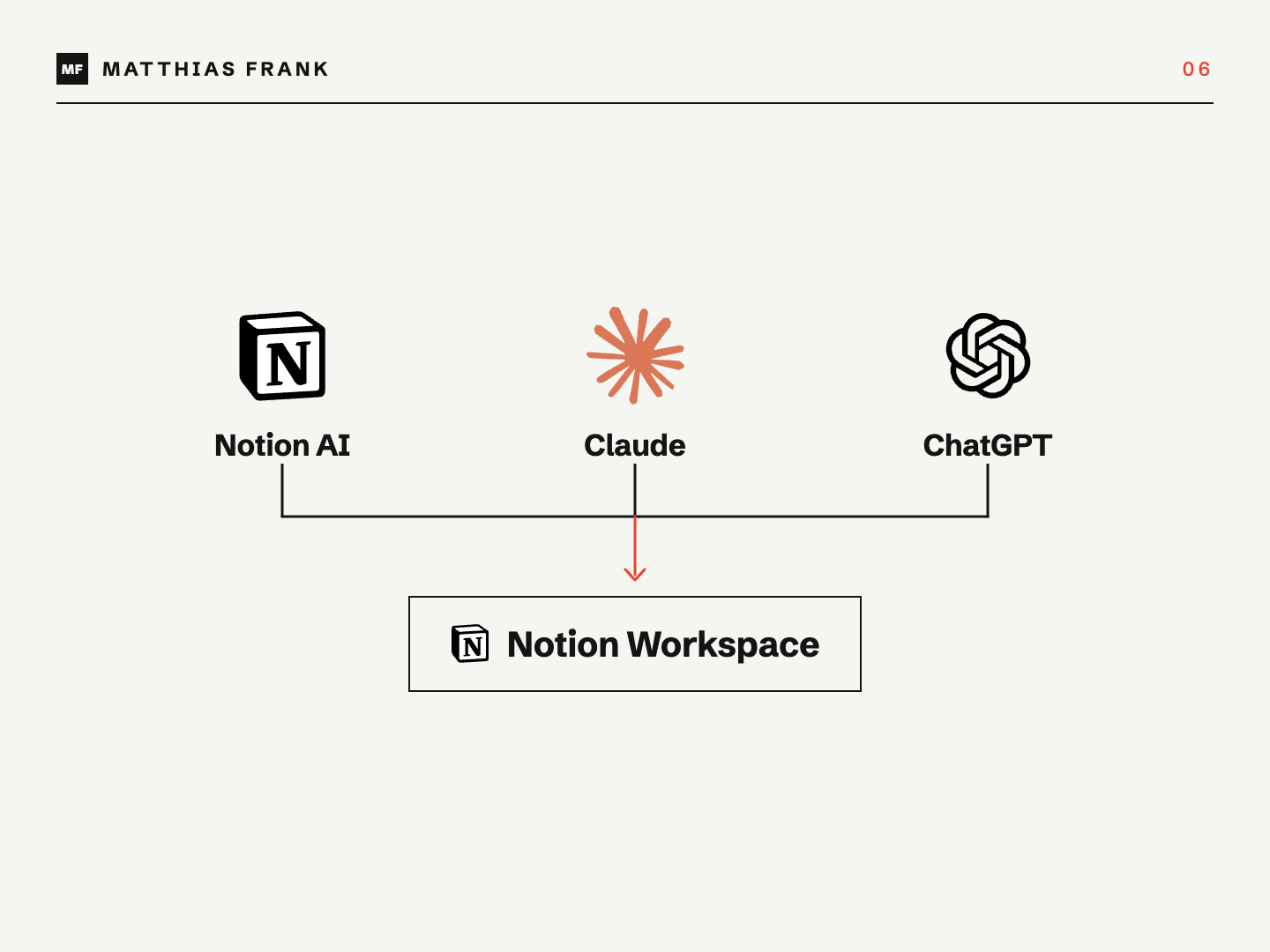
That means you can manage tasks and project documents in Notion, write code with Claude Code and still preserve continuity between sessions. At the end of development work, the coding agent updates the same project memory that your team and Notion Agent use.
The value is not “one AI that remembers everything”. It is one shared memory layer that every authorised human and AI can use.
This also makes tool changes less painful. Your operational context remains in a system your team controls instead of disappearing inside one model’s chat history.
Should You Add A Project-Event Timeline?
A Project Events database is a useful optional fifth component when you need to reconstruct how a project evolved. It records milestones, risks, lessons and meaningful outside input beyond formal decisions.
I would not make it mandatory on day one. The four documents already solve the core orientation problem, while an event timeline adds maintenance and can easily become noisy.
Add it when you regularly need to:
- Run detailed retrospectives
- Reconstruct why a project changed direction
- Track milestones and emerging risks over time
- Preserve material client or stakeholder input
- Understand patterns across several projects
I am still testing how much value the extra timeline adds compared with the effort required to keep it clean. Start with the four-document model, then expand when the missing history causes a real problem.
How Can You Build Your Own Notion AI Memory System?
Start with one active project and four simple pages. You do not need a complex agent architecture before the basic habit proves useful.
- Create a relation between your Projects and Documents databases.
- Add templates for Project Brief, Where We Are, Decisions and Domain Language.
- Create a seeding skill that generates and relates the four pages.
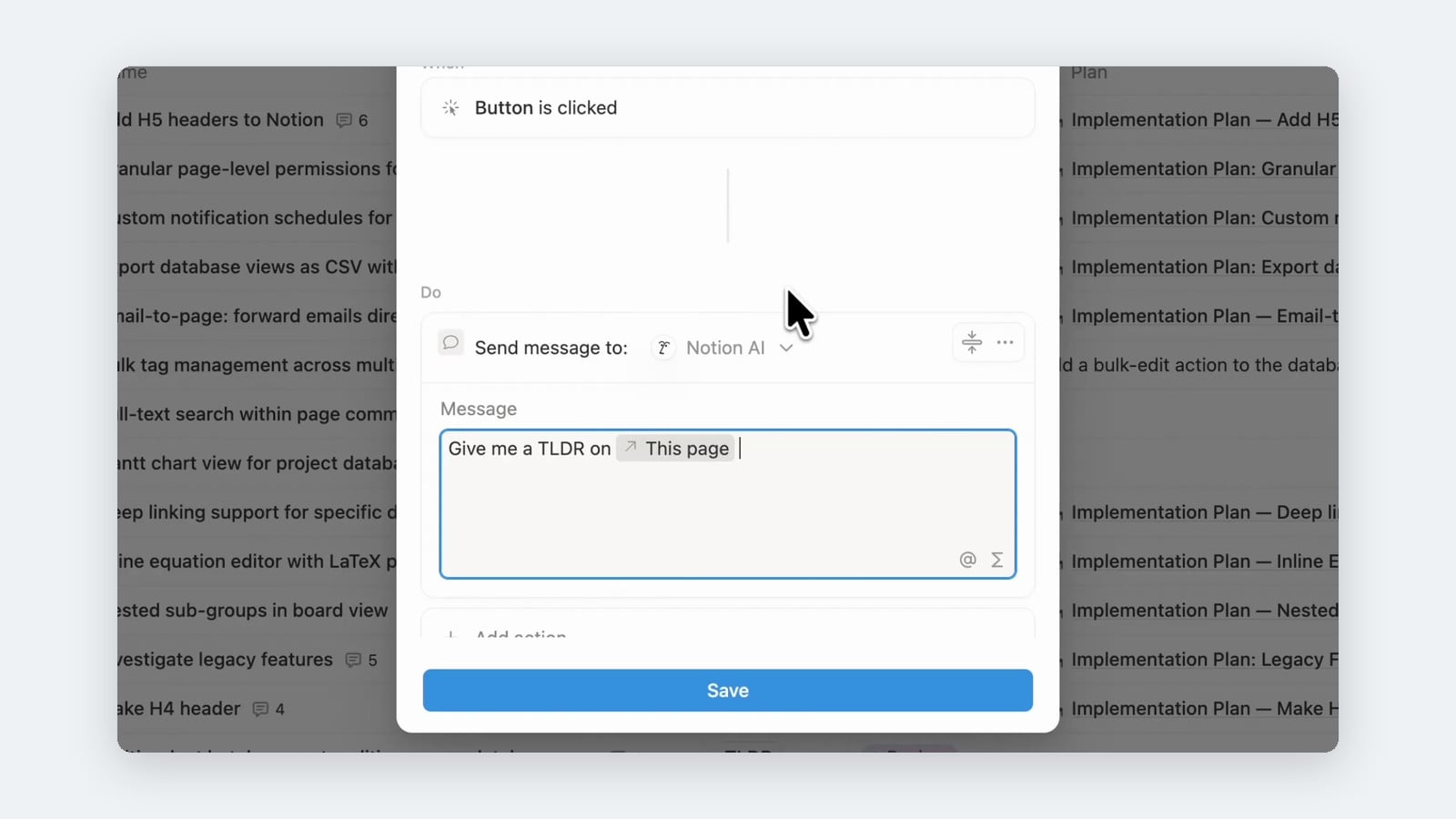
- Create a curation skill that reads the current context and updates only what changed.
- Tell your task and meeting workflows when to invoke that curation skill.
- Test the system on real work and remove anything nobody uses.
Notion’s guidance for AI agents makes the same broader point: keep context tight and point an agent to the specific pages and databases it needs.[4] More context is not automatically better context.
Pro Tip: Start with manual invocation. Once you trust the outputs and know which events should trigger an update, you can consider using a Custom Agent to run parts of the workflow automatically.
📬 Get 41 free Notion resources and join the newsletter →
💼 Need the support of certified Notion Consultants? My team and I are here to help!
Frequently Asked Questions
Can Notion AI Remember Previous Conversations?
Notion AI can use content from your workspace and connected apps, but you should not rely on chat history as your project’s source of truth. Store durable context in maintained project documents so the next conversation starts from an explicit, shared state.
What Is The Difference Between Notion AI Instructions And Memory?
Instructions define how your Agent should behave across conversations, while memory records what is true about a specific project. Tone and operating rules belong in instructions; status, risks and project decisions belong in memory.
Does Notion AI Need To Read All Four Documents Every Time?
No. Where We Are should usually be the first orientation document, while the other pages can be loaded when the task needs strategic, historical or terminology context. This keeps retrieval fast without hiding important detail.
How Often Should Project Memory Be Updated?
Update it whenever work materially changes the project’s state, direction, risks, terminology or next actions. Avoid updating it for trivial activity, or the documents will become noisy and stop functioning as a reliable briefing.
Can A Custom Agent Maintain Project Memory Automatically?
A Custom Agent can react to Notion or Slack events and run on a schedule.[5] However, consequential interpretation still benefits from human review. Automate collection and routine updates first; keep judgment-heavy changes supervised until the workflow has earned your trust.