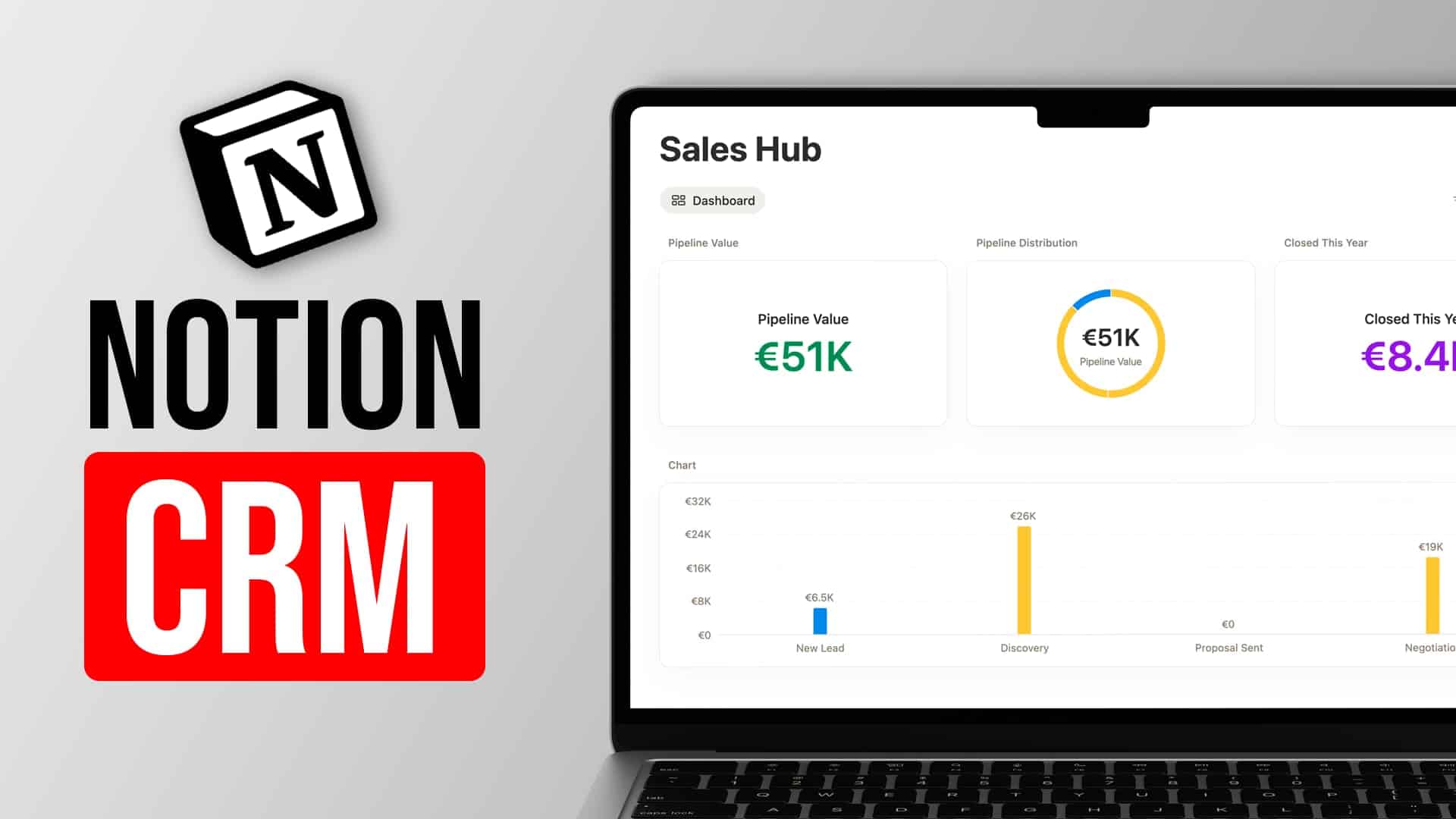
Learn how to create advanced Project Management Charts in Notion.

Full Blog Post coming soon. In the meantime, here are the formulas used in the video to create the various charts.
Project Progress Formula
Tasks.filter(current.Status==”Done”).length()
Daily Progress for Sprint Burn-Up Formula
Tasks.filter(current.Completed.timestamp()<=dateAdd(dateStart(Sprint Range),0,”days”).timestamp()).length().divide(Tasks.length()).multiply(100).round().divide(100)
Get Your Free Notion Template
You can download this Notion Template plus another 21+ other free templates here: